Viral Clicks helps Tulsa-area businesses ask every customer for an honest Google review, keep their Google Business Profile accurate, and see the progress in one client portal.
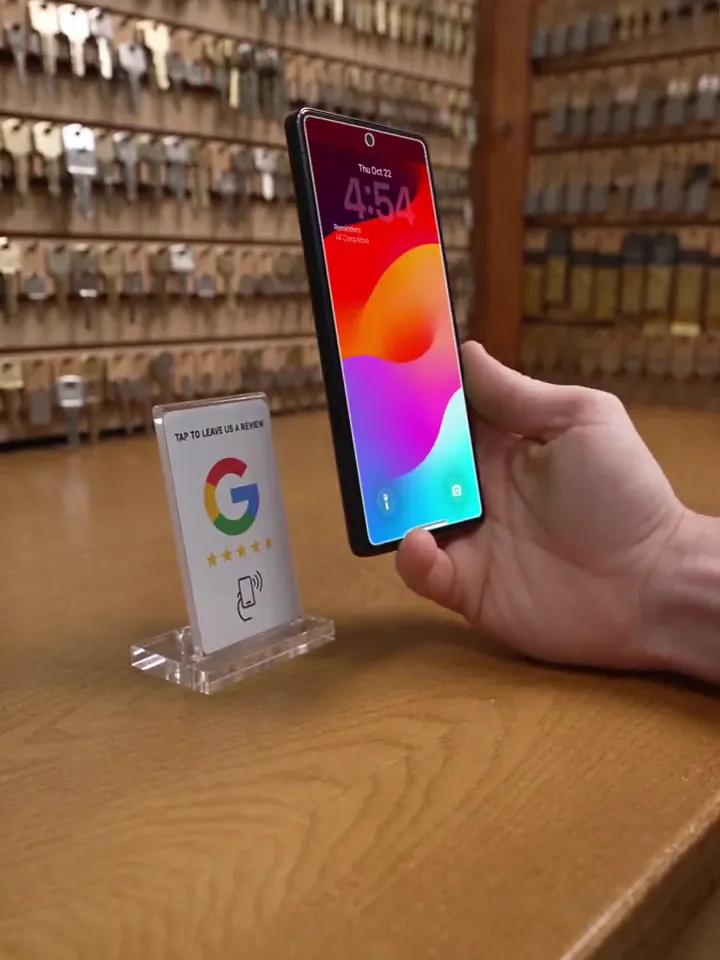
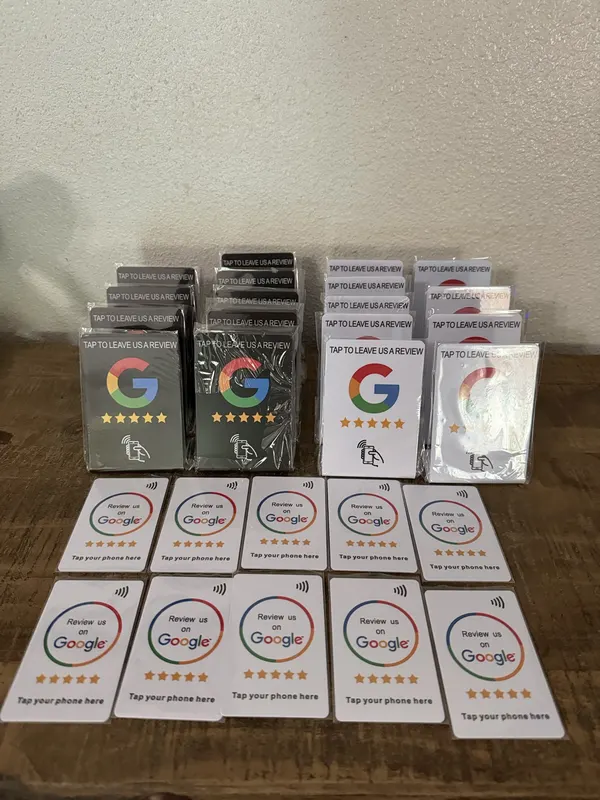
After a real customer experience, invite them to share honest feedback. They tap a compatible phone on your NFC card or scan the QR code.
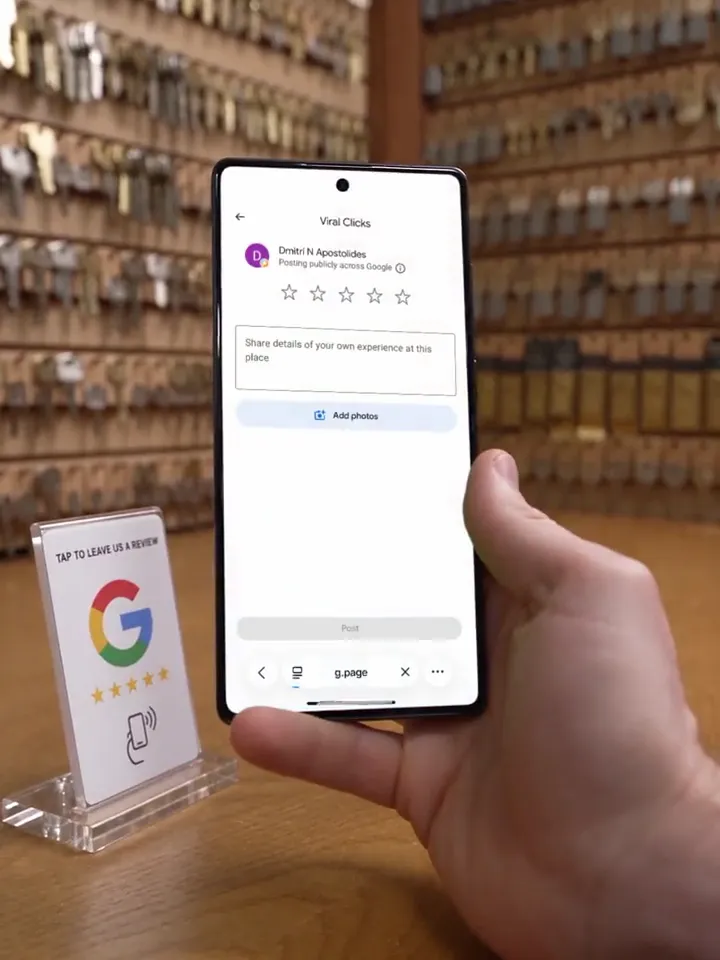
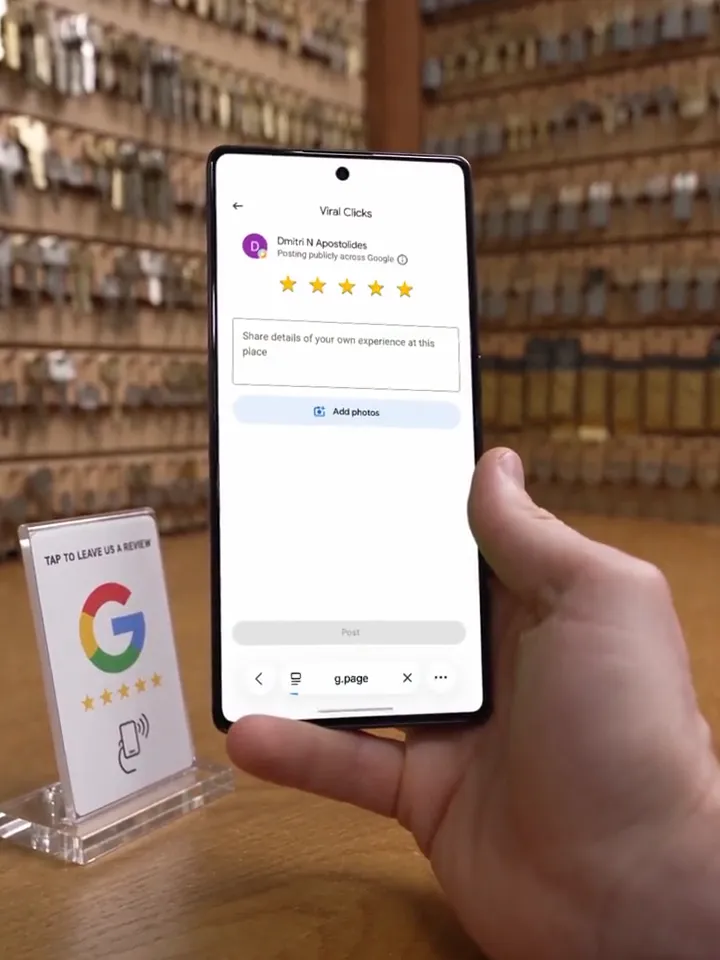
Illustration; the phone screen is a real Google review page. Google may ask the customer to sign in.
Illustration
Real footage
What your customer sees
One tap. Your Google review page opens.
The back of the phone touches the card and Google’s review page for your business opens. No app, no searching for your name.
Left, illustration: an AI-made scene. The phone screen is a real iPhone recording of a Google review page; nothing was posted. Right, real footage: a customer tapping the card at a Tulsa bakery.
01
Start with a free audit
We manually review your public Google profile and suggest practical priorities. You decide whether our proposed service is a fit.
02
Get your review routine ready
After your agreement and first payment, we configure your included NFC card, review links, and client portal. Your team gets a fair invitation to use.
03
See activity with the right context
See how often customers tap or scan. A tap isn’t a review, so we count reviews separately.
04
Do the next useful thing
Work through profile checks, complete tasks, and see maintenance recorded by Viral Clicks for your location.
Get started without connecting GoogleExisting reprogrammable NFC products supportedBasic redirects stay independent of paid analytics
On real counters
Tulsa businesses are tapping in.
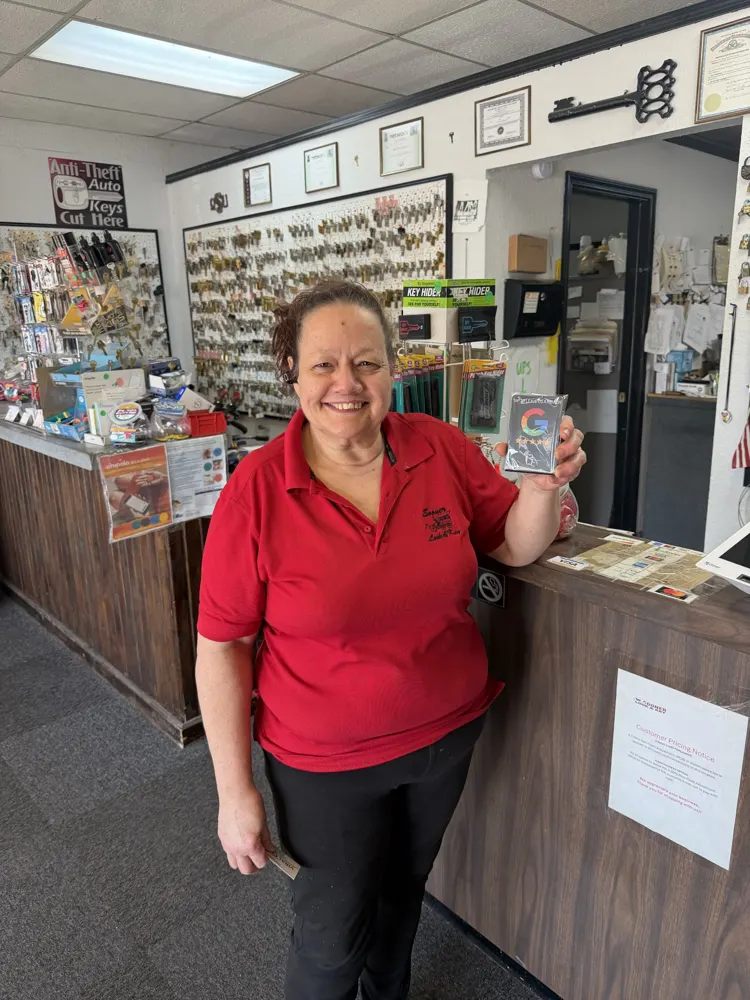
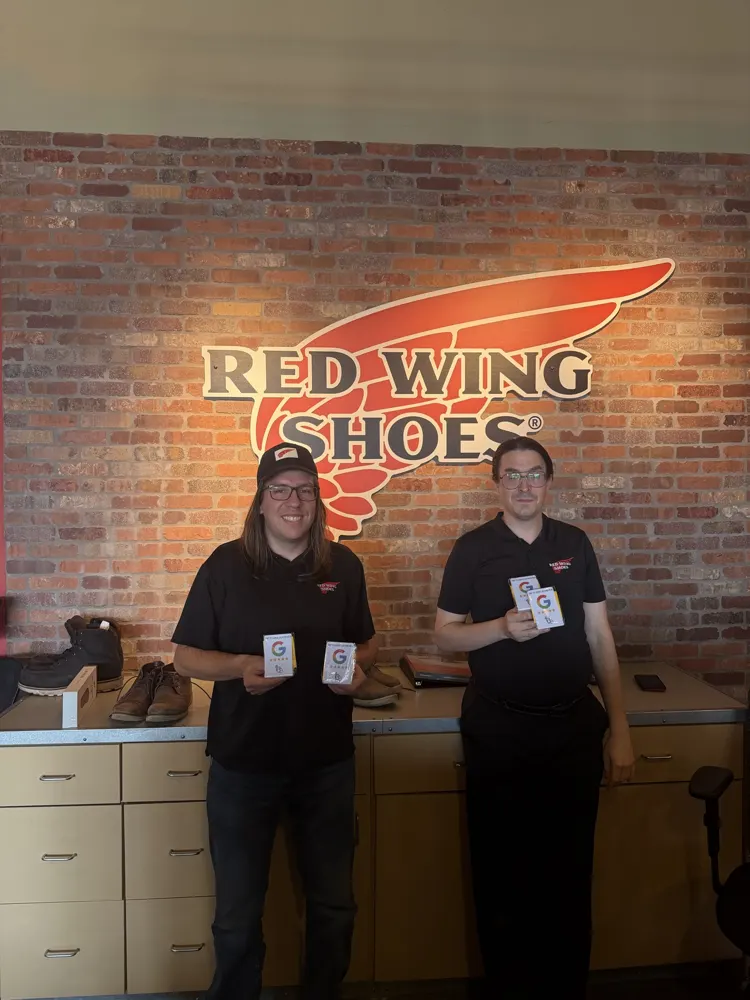
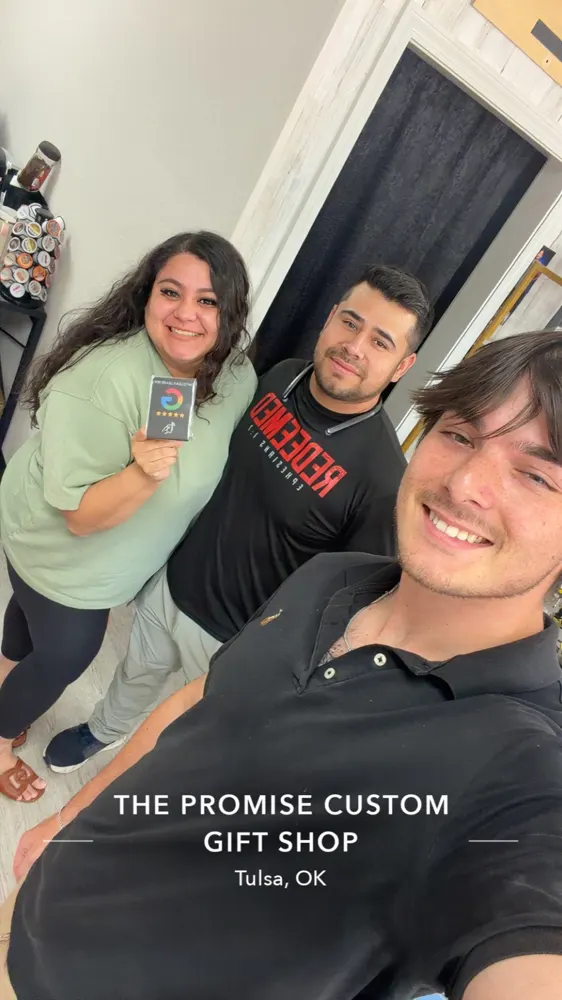
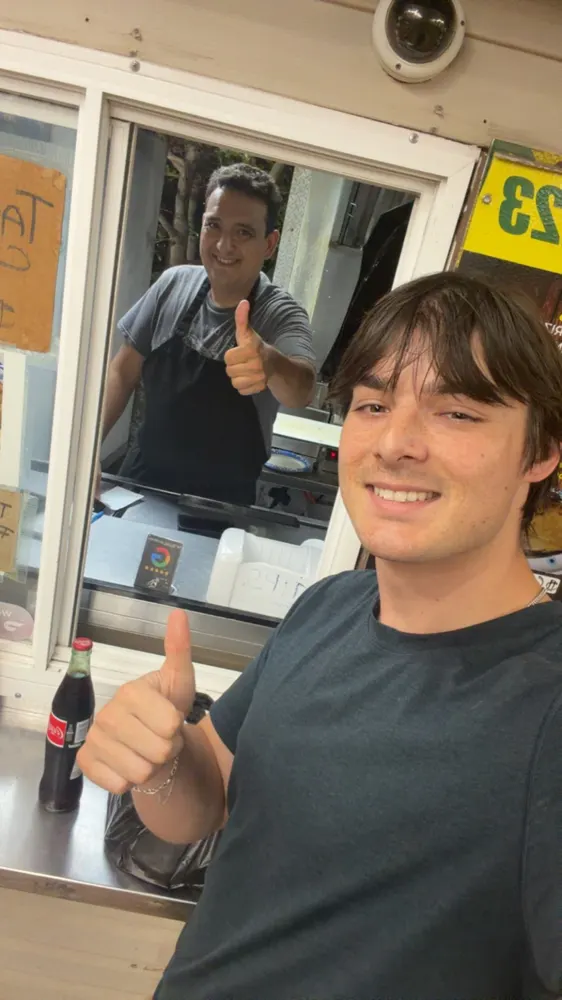
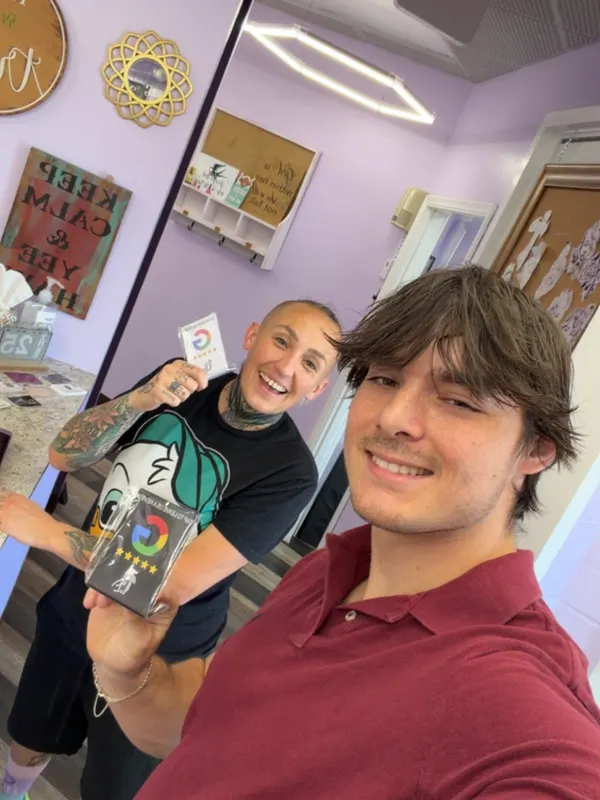
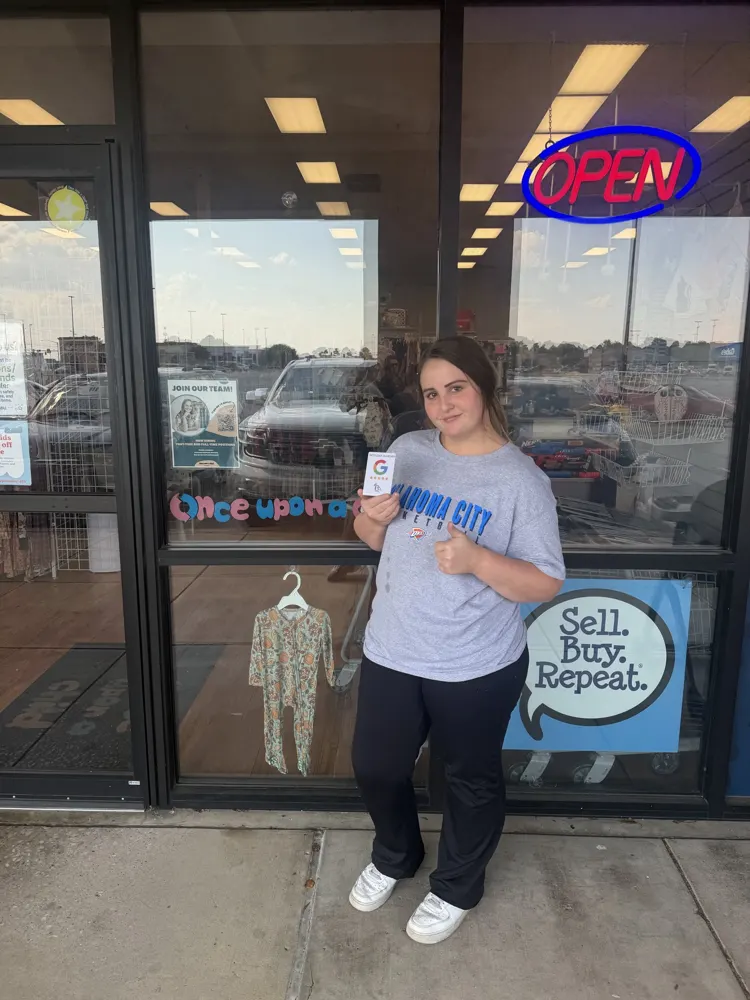
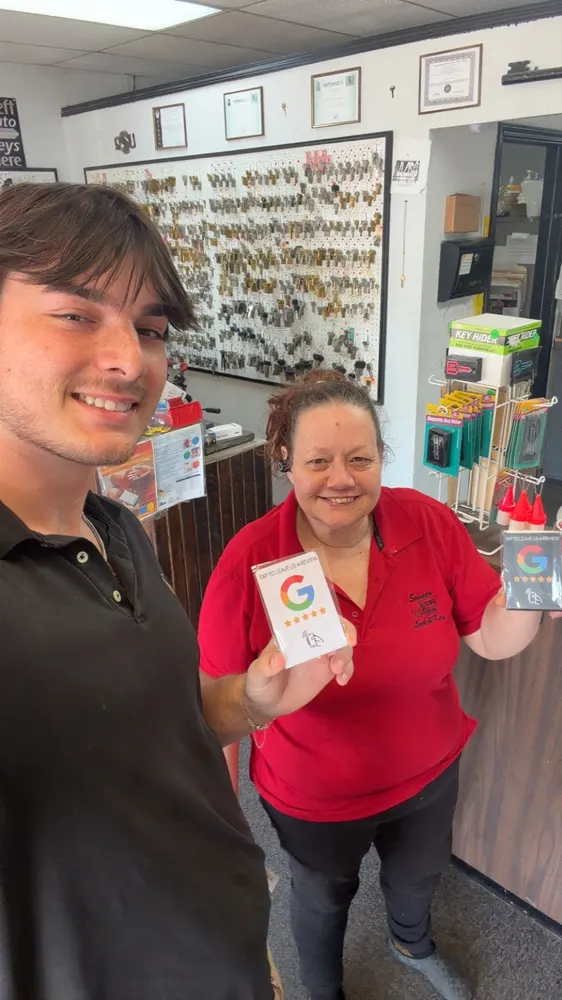
Owners and staff we’ve set up with a Google review card.
Gift shop
Key shop
Shoe store
Ready for setup
Restaurant
Local shop
Resale shop
Key shop
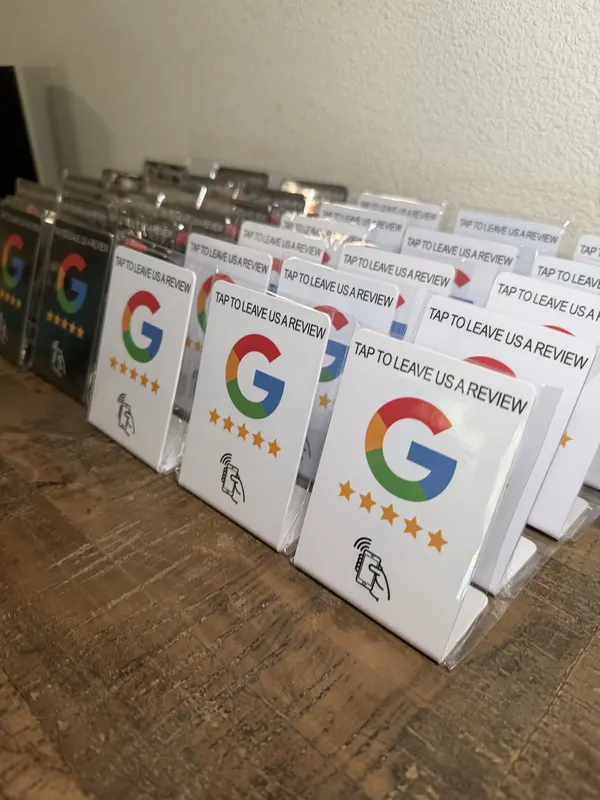
Cards and stands
Gift shop
Key shop
Shoe store
Ready for setup
Restaurant
Local shop
Resale shop
Key shop
Cards and stands
Local shop
Key shop
Gift shop
Shoe store
Restaurant
Resale shop
Cards and stands
Key shop
Ready for setup
Local shop
Key shop
Gift shop
Shoe store
Restaurant
Resale shop
Cards and stands
Key shop
Ready for setup
Local owners, in their own words.
Real experiences with our review cards and support.
You know how long I’ve been wanting one of those? … I see some on Facebook, but then I thought, no, I don’t want to do the Facebook one. But this is really… I like it.
Real footage. Turn the sound on to hear her; captions are included.
Read the video transcript
You know how long I’ve been wanting one of those? Have I not been wanting one? I really have, because I see some on Facebook, but then I thought, no, I don’t want to do the Facebook one. But this is really… I like it.
Salon ownerTulsa
A CLEARER PLACE TO START / FREE PROFILE AUDIT
What might your next customer be missing?
Get a fresh pair of eyes on your Google Business Profile. Request a free manual review from Viral Clicks, with practical things to check and improve.
Business details, categories, and service information
Review presence and your review-request routine
Useful next steps for your profile and customer journey
A manual profile review, not an automated ranking score. No Google login, payment, or purchase needed.
What happens next, how the cards work, and what to expect.
What happens after I request an audit?+
Your request goes to Viral Clicks for a manual review of your public profile. We can contact you at the email you provide with findings and possible next steps. No payment details or Google account access are needed.
Is the NFC card included?+
Yes. A configured NFC review card is included with paid onboarding after a signed agreement and first payment. Requesting an audit or booking a call alone does not qualify.
Can you automate review requests from my CRM?+
Not yet; it’s coming next. Today we set up your team with a simple routine using your card, QR code and review link.
Do more reviews automatically put me above my competitors?+
No. Local results depend on several signals and the customer’s search location. Reviews are part of the picture, not a guaranteed route to a position.
When a compatible phone opens its programmed link, the card gives the customer a direct route to your saved Google review destination. The customer decides whether to write a review.
Can PredictReviews tell which taps became reviews?+
No. It measures tracking-link opens separately from observed Google review activity. It cannot reliably match an open to a submitted review, or detect a physical tap that never opens the URL.
I already bought NFC cards. Can I use them?+
If your products can be reprogrammed, replace the direct Google URL with a PredictReviews tracking URL. Keep a separate tracked link for each channel you want to compare.
Do I have to connect Google to get started?+
No. Viral Clicks sets up your review links and records dated review snapshots. Your client portal shows activity and tasks you can complete. Google syncing is not currently available; manual data is clearly labeled.
Should I only ask happy customers?+
Give every customer the same chance to leave honest feedback. Do not filter requests by sentiment, offer review incentives, or write reviews on behalf of customers.
Start with the checklist and save the guide. Explore the clearly labeled demo whenever you want to see how the workspace works. The checklist and demo are open to explore. Enter your email to unlock the downloadable kit; no purchase is needed.
Put your business on the local map.
Browse our growing Tulsa-area directory, submit a business for review, or tell us what marketing help you need.